
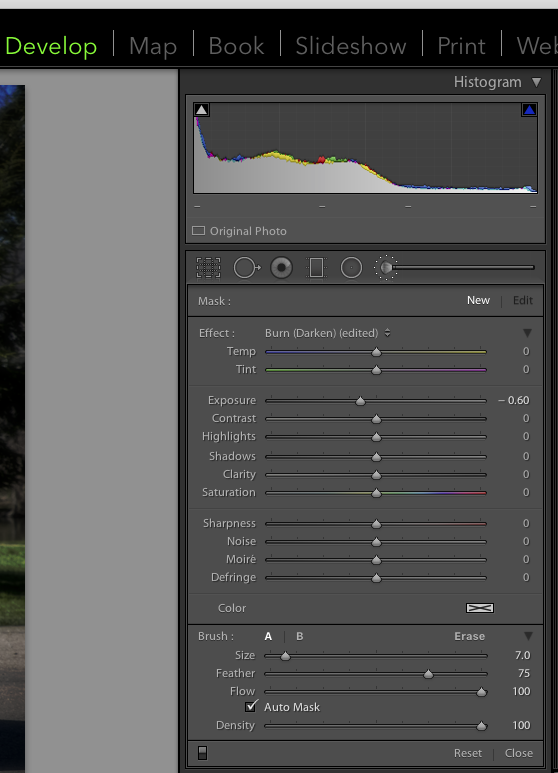
Ickdeep wroteUsing the adjustment tool, any one or all of the following:Question for anyone and everyone using Lightroom, whats the best way to darken to the road only?
- Increase contrast
- Increase Shadows
- Increase Blacks
- Decrease Exposure

Ickdeep wroteUsing the adjustment tool, any one or all of the following:Question for anyone and everyone using Lightroom, whats the best way to darken to the road only?
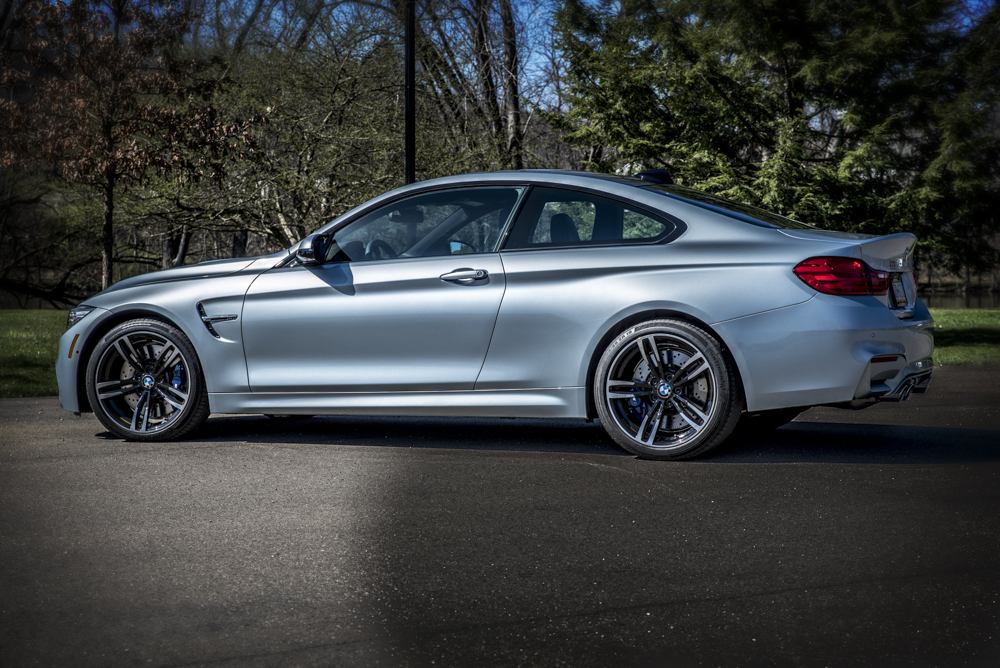


radiantm3 wroteWow i really like that!
Silverstoneorspacegray wroteWhat you don't see are the 5-10 additional photos with strobe shots of each part of the car. The before picture is probably just used to the backplate...Whoa. Care to describe your process?
metrickid wroteI assumed that was went on but wouldn't mind seeing the other shotsWhat you don't see are the 5-10 additional photos with strobe shots of each part of the car. The before picture is probably just used to the backplate...
metrickid wroteDepends on how you use the brush, if you have a tablet, you can set the flow down and then paint it in well enough that it's a controlled and keep it out of places without having to mask it out.I prefer using a radial gradient instead if just a colored brush, you get a bit more control of the falloff and it is easier to mix in colors in it. Try it if you haven't already.
And also, the most important thing when adding a "new" sun is the make sure your shadows match the position of the sun. I've seen so many examples of shadows in the wrong direction and the eye picks up on that in an instant.
That wasn't a remark for your photo, just a general suggestion for everyone.
Silverstoneorspacegray wroteSure!Whoa. Care to describe your process?

Ickdeep wroteDo you have the RAW file of that one? If so, mind emailing it to me at my username @gmail? Looks like a neat shot, would love to tinker with it a bit.
sirdaft1 wroteSent it over; subject (BMW M3 Rolling photo RAW)Do you have the RAW file of that one? If so, mind emailing it to me at my username @gmail? Looks like a neat shot, would love to tinker with it a bit.
Ickdeep wroteGot it. Super quick post edit in LR...Sent it over; subject (BMW M3 Rolling photo RAW)


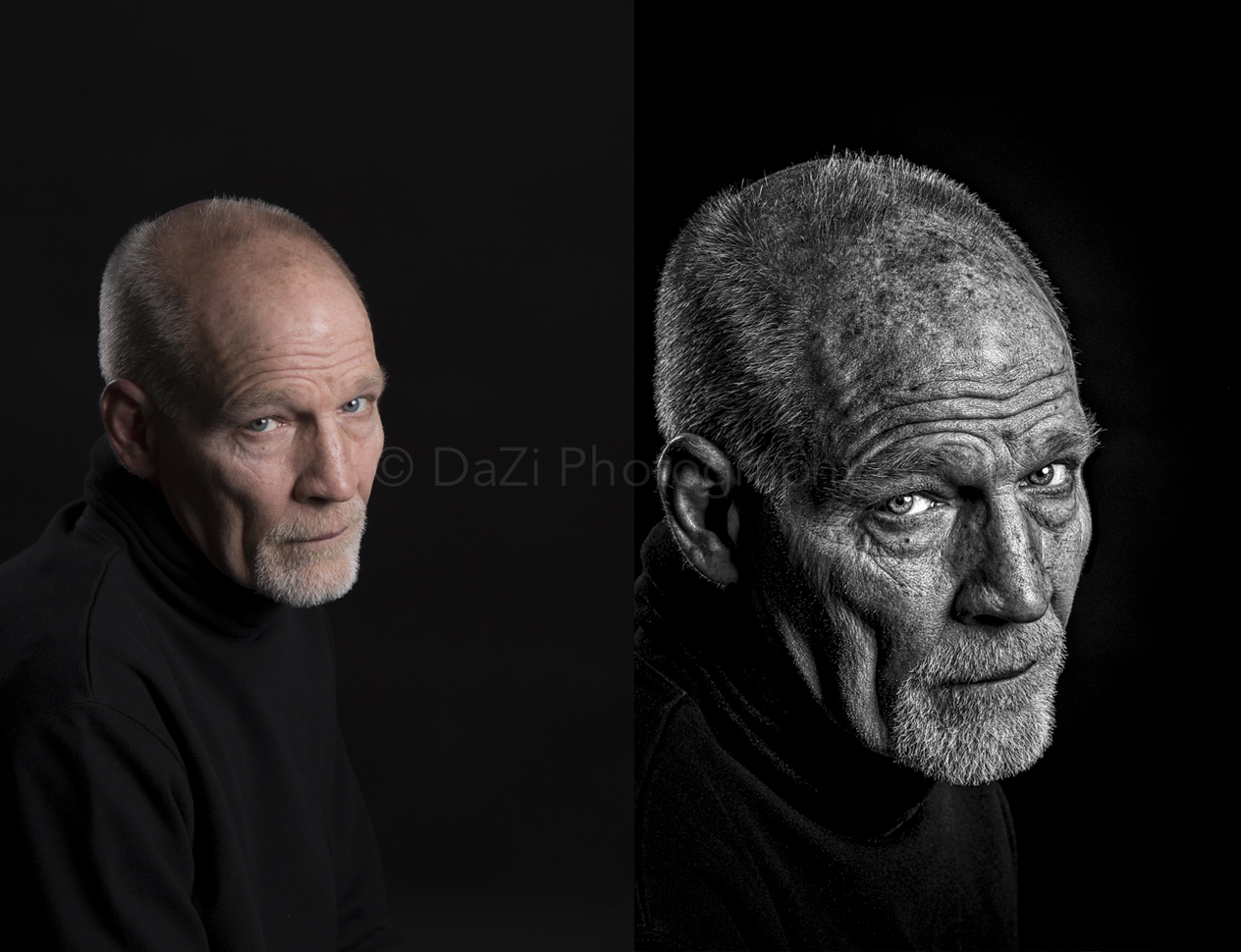
jmg wroteBeautiful photo, but that goes way past "post processing' into photoshopping.I've always been fascinated with people's post processing,. How far do they take their photos? Absurdly far, or not far at all? If you feel like sharing, lets post up some of our work! Start with a raw file with little to no modification, then follow it with the finished piece.
I'll start!
What was a cold overcast and very foggy mid morning...
Canyon Carver - RAW by JMG, on Flickr
...turned into a warm sunset.
Canyon Carver by JMG, on Flickr
I took the sky from another photo I took on Mulholland one evening. I cropped out the windows and added reflection to the front windshield. Customary lighting, color tweaks.





