

apptest wroteworking now 7.1.6Hi guys can you try 7.1.6 which is in the App Store now and see if it fixes the issue. If not let me know and I can look further
334.6KVIEWS
294REPLIES
208APPRECIATES
YesterdayLAST POST
Version 7.1.6
Still unable to open some random headline posts within the app. Others work.
Ends up with an empty thread.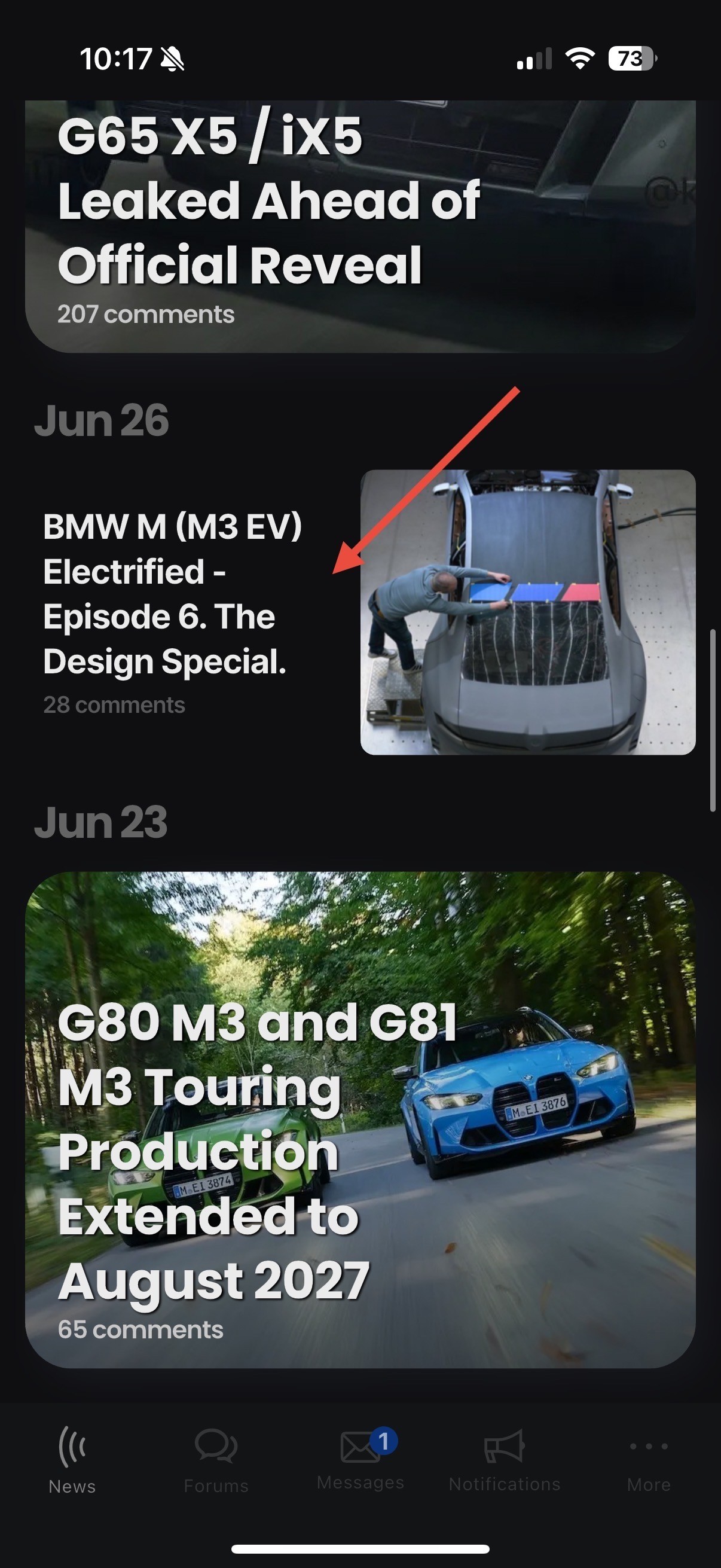
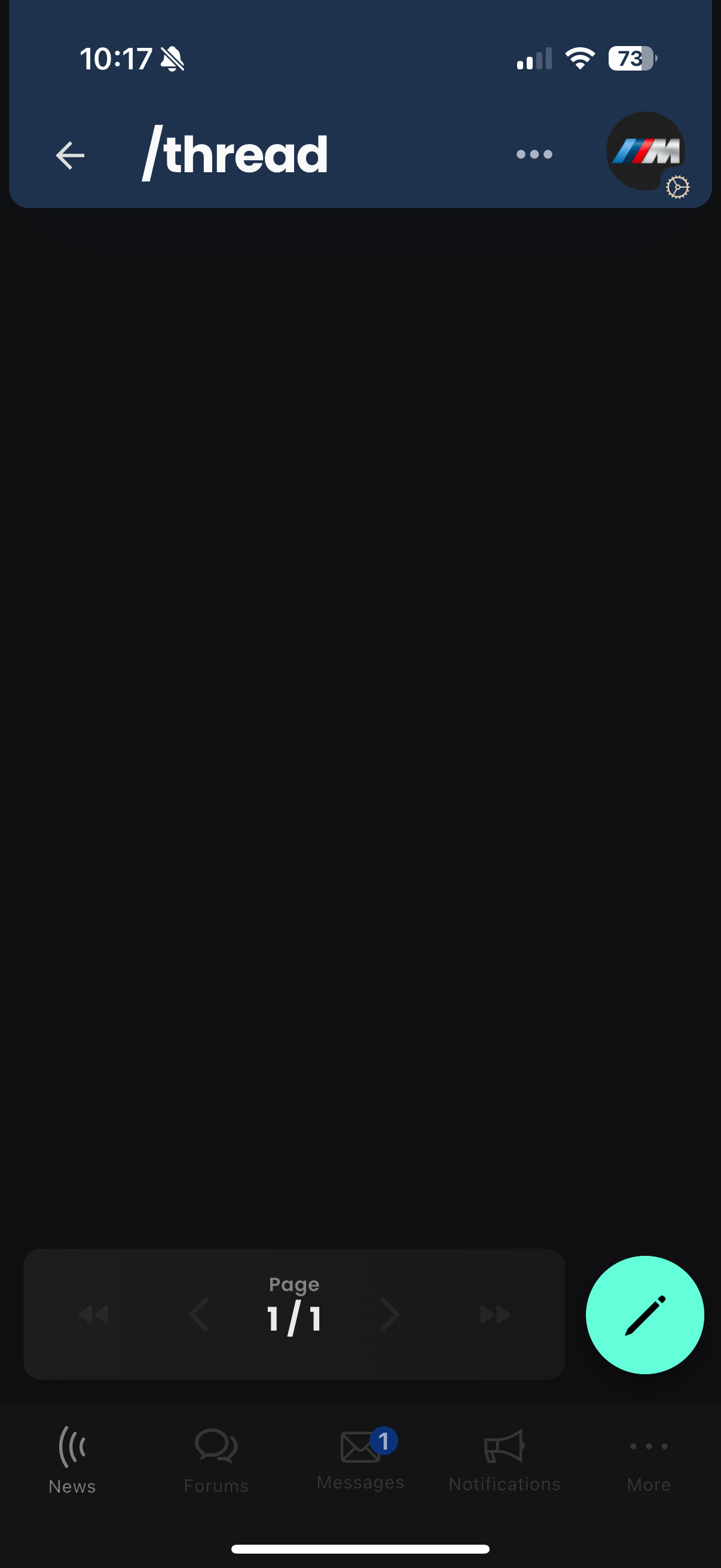
Still unable to open some random headline posts within the app. Others work.
Ends up with an empty thread.
Push notifications aren’t working in full. I’ve enabled all push notifications but only get them for new news articles. When I go back and check the settings all are disabled except for news articles despite having enabled it for all options.
Additionally, the app keeps showing I have an unread PM even though all are read.
On the latest version of iOS and the Bimmerpost app.
Additionally, the app keeps showing I have an unread PM even though all are read.
On the latest version of iOS and the Bimmerpost app.
 apptest all good now
chicagofan00 wroteOk push notifications should be working again. The buttons not showing the correct status for your push notifications are a separate issue, im going to work on a fix and release a new version of the app hopefully soonPush notifications aren’t working in full. I’ve enabled all push notifications but only get them for new news articles. When I go back and check the settings all are disabled except for news articles despite having enabled it for all options.
Additionally, the app keeps showing I have an unread PM even though all are read.
On the latest version of iOS and the Bimmerpost app.
Mark wroteYep, got the notification for your appreciation and quote! Thank you!Ok push notifications should be working again. The buttons not showing the correct status for your push notifications are a separate issue, im going to work on a fix and release a new version of the app hopefully soon
Hydrogen wroteVersion 7.1.6
Still unable to open some random headline posts within the app. Others work.
Ends up with an empty thread.
apptest this continues to be a huge problem for me. Assume others as well. How much longer must I/we toil? About 1/3 of the headline posts are not openable from the iOS app
Hydrogen wroteI have not seen this myself or heard of anyone else say this. So I don’t know what to tell you
apptest wroteLet’s try to figure this out would be a great place to start.I have not seen this myself or heard of anyone else say this. So I don’t know what to tell you
It was never a problem before the recent months of migrations / upgrades.
What can I do to help troubleshoot this from my end?
Clearly there must be some exception that is being caught and swallowed vs presented to the user interface.
Does the app have a way to enable diagnostic logging?
apptest wroteI have not seen this myself or heard of anyone else say this. So I don’t know what to tell you
Hydrogen wroteWhat can I do to help troubleshoot this from my end?
apptest Doing a quick look through the website interface, I can confirm every single "News" link broken for me within the iOS app is to a post on the g50.bimmerpost.com forum website.Even the following post, which appears to have a g80 forum link, gets redirected to a g50 forum post - and must be why it also does not load within the iOS app.
This link: ZA0 M3 EV Motor Specs / Power Figures! 🚀
for some reason redirects to: ZA0 M3 EV Motor Specs / Power Figures! 🚀
Using the web interface, as long as I am logged out, I am able to access the g50 posts as linked to from News from the main bimmerpost.com site.
I am convinced it has to do with the following issue affecting the g50 forum for certain users when they are logged in.[/B][/I] In this case, the web interface, but I'm deducing the web app is a PWA and using the forums in the same way as the web interface.
See attached screenshots revealing how an Invalid Request error is shown instead of the thread contents when trying to view posts on the G50 forum while logged in.
BIMMERPOST Web 2.0 Thread (Bugs, comments, suggestions, new requests) [#65]
apptest Looks like the ability to quote/reply to a post is not possible with the most recent release. Just get a light grey screen when attempting to do so.Responding to a thread in general works but when quoting one or multiple posts it doesn’t work.
chicagofan00 wroteMight be a one off to a certain post, can you show me which post you were trying to reply to / quote?
Responding to a thread in general works but when quoting one or multiple posts it doesn’t work.
apptest wroteYeah, looks like it was a one off as I can now quote this post and reply in the app.Might be a one off to a certain post, can you show me which post you were trying to reply to / quote?

Here is the post I was referencing though:
What did you do to your X5 (G05) today... [#1065]
Had to log in via the website in order to reply to it.
chicagofan00 wroteThanks much for the report, this is now fixed and will be in the next update (I think 1-2 days from now)apptest wroteYeah, looks like it was a one off as I can now quote this post and reply in the app.Might be a one off to a certain post, can you show me which post you were trying to reply to / quote?
Here is the post I was referencing though:
What did you do to your X5 (G05) today... [#1065]
Had to log in via the website in order to reply to it.
apptest wrotePerfect. Thanks for looking into it and the quick fix!Thanks much for the report, this is now fixed and will be in the next update (I think 1-2 days from now)
Hydrogen wrote
Even the following post, which appears to have a g80 forum link, gets redirected to a g50 forum post - and must be why it also does not load within the iOS app.
This link: ZA0 M3 EV Motor Specs / Power Figures! 🚀
for some reason redirects to: ZA0 M3 EV Motor Specs / Power Figures! 🚀
Using the web interface, as long as I am logged out, I am able to access the g50 posts as linked to from News from the main bimmerpost.com site.
I am convinced it has to do with the following issue affecting the g50 forum for certain users when they are logged in.[/B][/I] In this case, the web interface, but I'm deducing the web app is a PWA and using the forums in the same way as the web interface.
See attached screenshots revealing how an Invalid Request error is shown instead of the thread contents when trying to view posts on the G50 forum while logged in.
BIMMERPOST Web 2.0 Thread (Bugs, comments, suggestions, new requests) [#70]
apptest friendly reminder in case you missed this.
apptest iOS app is not saving Drafts. iPhone and app are running latest versions
nZtiZia wroteThanks, I just fixed this now and will be in the next version that I think ill release im the next 3-5 days
This is all I see when I go to my Private messages. Any fix ?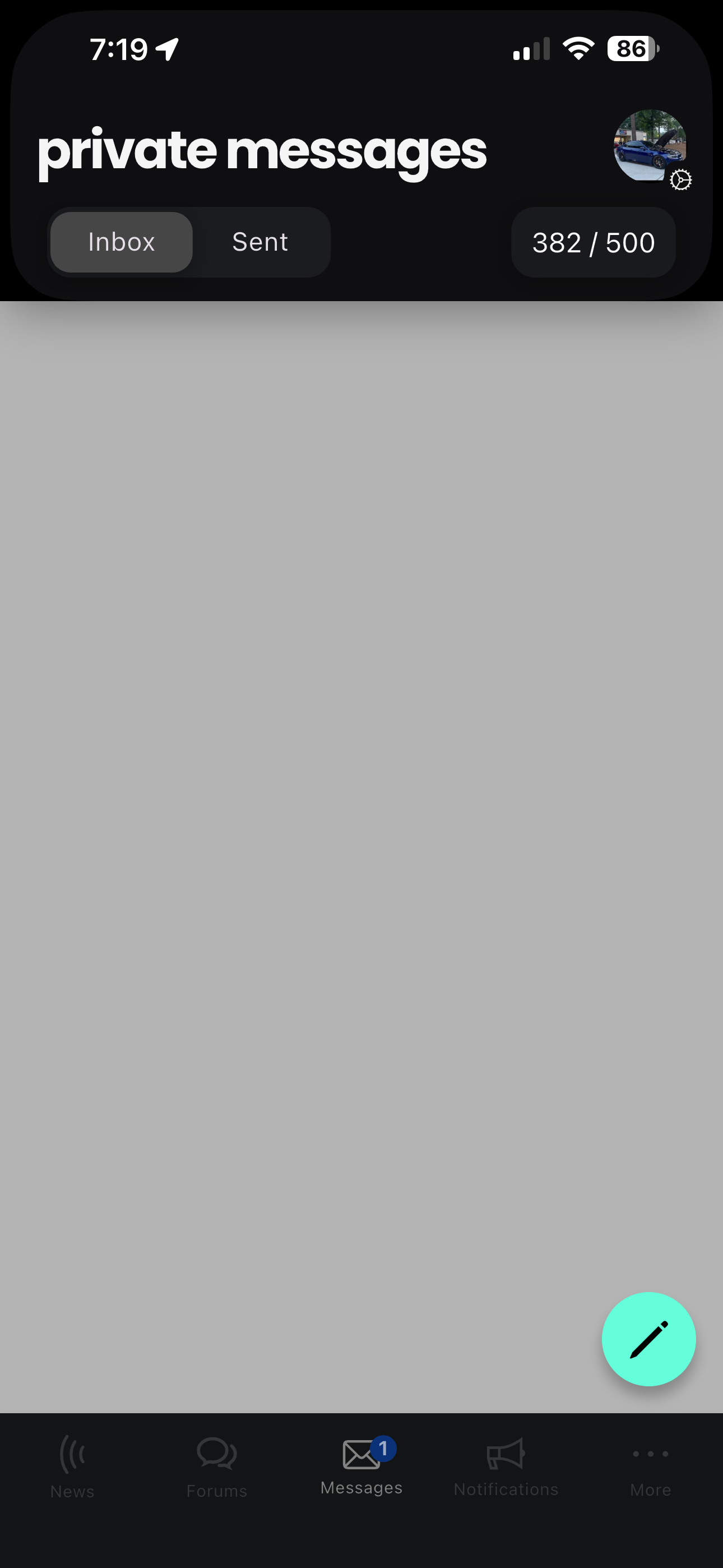
apptest, seems like there is something going on with thread subscriptions ever since the latest update. Even though I don’t have the automatically subscribe to threads when making a reply option enabled, it’s still occurring. Then if I go to enable to option, I see that the email notification frequency is set to none and yet I keep getting emails as well.
And I just now got subscribed to this thread automatically. 😂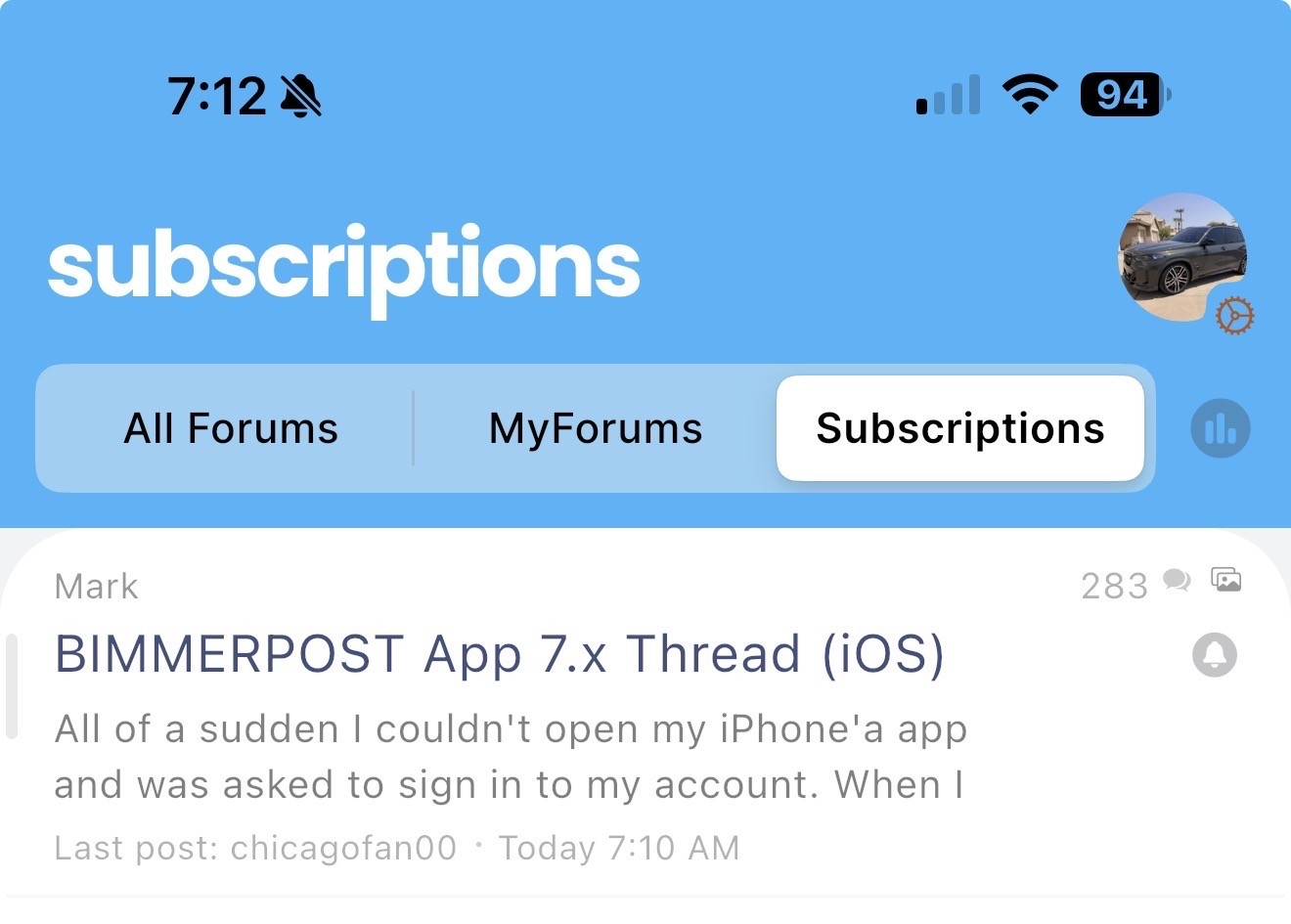
 chicagofan00 Ok so I just tested it and the auto thread subscriptions are working normally for me. On the first screen shot you have it off, but on the second you have it on.
Just to be sure, on the second shot you turned it on, meaning you will get subscribed to the thread when you reply but the 'None' part just means you won't get emails for that subscription.
All of this applies ONLY to new subscriptions, all your existing subscriptions might have different settings. To see what they are you goto the subscriptions list and you will see a bell icon on the top right next to to the replies count (when looking at the subscription list), tap that and it will adjust the email notification settings.
If you turn off the auto subscribe (the way it was on the first screen shot) and reply to a thread you aren't already subscribed to, it should definitely not add that.
All this time the majority of email functions have been off, so it's possible you were already subscribed to some threads and not getting emails. Yesterday I started turning on more of the email notification features that are supposed to always have been there, so there's a chance you are noticing the emails to things you were already subscribed to?
let me know
